
TL;DR
SQL Distributed Replay (DReplay) is the right tool to prove with numbers how a new SQL Server compares to an old one across a real workload, not just a few hand-picked queries.
- Use it whenever the change is meaningful: new hardware, a cloud migration (AWS or Azure), a version upgrade, or a settings change you need to validate at full scale.
- DReplay is one of SQL Server's least-known features because setup is heavy, but the payoff is a defensible old-vs-new performance answer.
- Especially valuable when a config change will help some queries and hurt others, and you need the net impact across the workload.
How does NEW SQL Server compare to your OLD one?

Why? Why would you want to compare two SQL Servers?
- You just paid $375,000 for new server hardware. It would be nice to show to your boss that the new server is faster with all this new hardware you convinced him to purchase.
- You are migrating SQL Server to AWS. You have no idea how the NEW server will perform.
- You are migrating to new hardware and upgrading to the latest SQL version. How will it perform?
- You are simply making a few config changes to SQL Server or VMWare or SAN and you need to be 100% sure how this will affect SQL performance. You need that across all workload. Not just for a few queries you can test manually.
- Test the new SQL Server capacity.
This is especially useful when you know a setting change, will hurt some queries, but it will help the others. This helps to answer that.
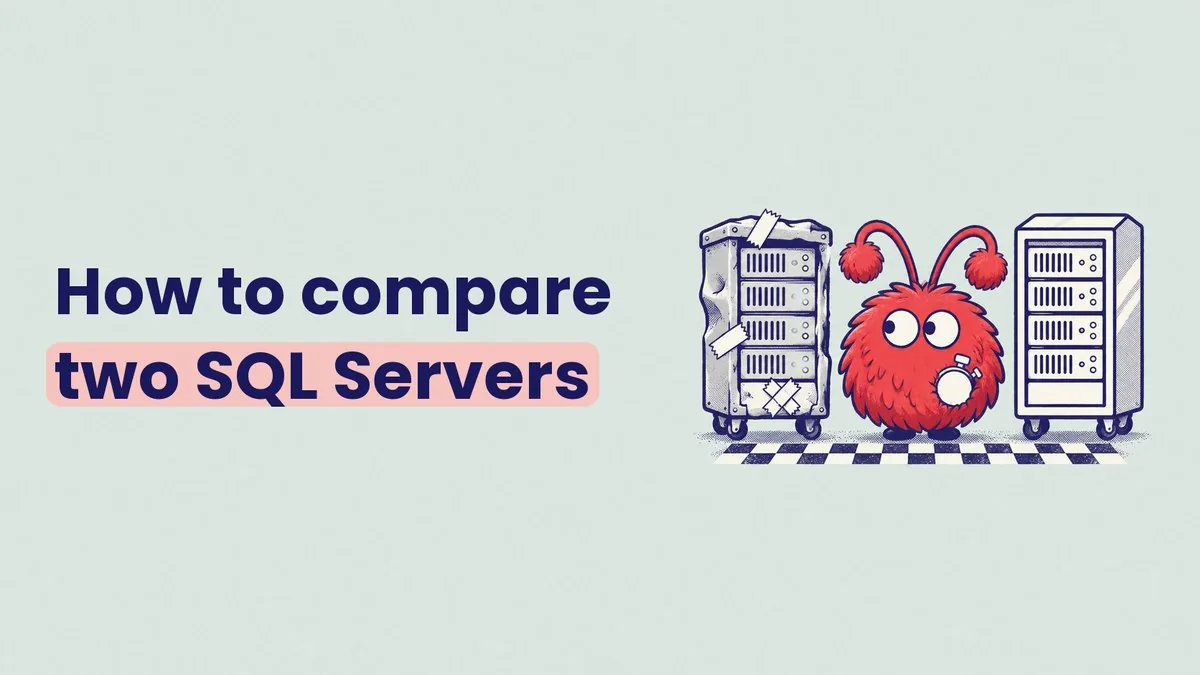
Question is simple: I want to compare OLD to NEW.
And when I say compare, I mean, I want it proven with numbers. “It feels faster”- won’t cut it here. We want solid numbers.
You have your OLD SQL Server. We'll call this puppy: OLD, ServerA, or current.
You have a NEW SQL Server. We'll call it: NEW or ServerB.
NEW SQL box can be anything and live anywhere
- Newly purchased on-premises server.
- New server in AWS or Azure or Rackspace or any boutique cloud provider.
- New hardware with a new version of SQL Server.
- Same everything, just some code or setting changes.
So OLD vs. NEW – are just concepts. In reality, they can be anything.
NEW encompasses whatever new things we are introducing: hardware, settings, code, etc.
I will use an example of migrating from OLD SQL Server hardware to NEW.
While migrating, we will upgrade SQL Server versions too.
We will create this NEW server using all the best SQL Server practices known to man.
We going to go through a lot of testing here. So why would you not have everything set as the best, right?
To sum up, the changes I am introducing
- New hardware
- New SQL version
- New settings
If you are working on a really important SQL Server, then you want to compare the performance of OLD vs. NEW.
How do you do this?
This is where SQL Distributed Replay feature comes in.
- One of the least known features in SQL Server.
- Why? Because to use Distributed Replay (or DReplay) properly takes a ton of setup to get one single answer.
- Is it easy? Hell no!
- Is it super useful? Yup!
- Oh, and here is the exact result you are going to end up with: